
HOW TO DOWNLOAD WARZONE MOBILE (USA)
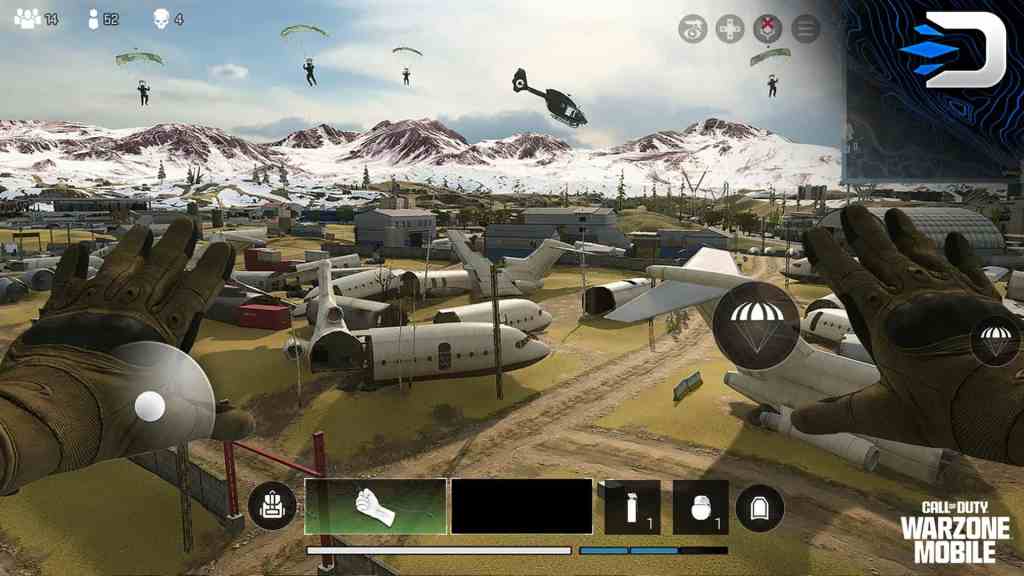
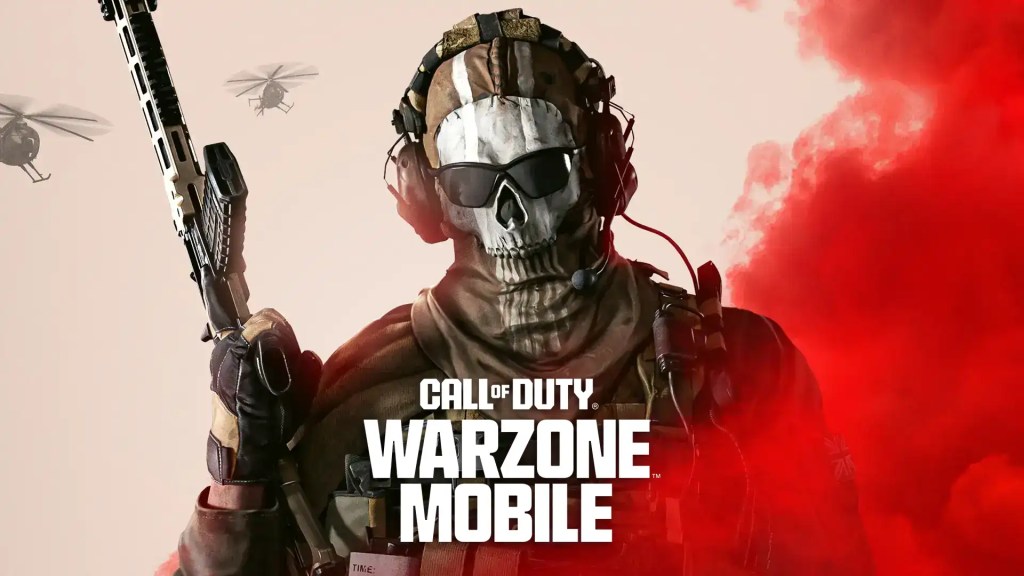
Call of Duty Warzone Mobile will release worldwide on March 21st, 2024 at 12pm Central US. With the release of Warzone Mobile comes the return of fan-favorite map Verdansk, Multiplayer maps, and a Carry Forward Feature for most of your MW3 and MW2 loot! Today, we are going to explain everything you need to know from iOS users to Android on how to download Warzone Mobile for yourself! Are you ready to play Warzone Mobile? Here’s what you need to know:
SYSTEM REQUIREMENTS
- Google: Adreno 618 or better. 4GB RAM or more
- iOS: iOS 16 or better. 3GB RAM or more (excluding iPhone 8)
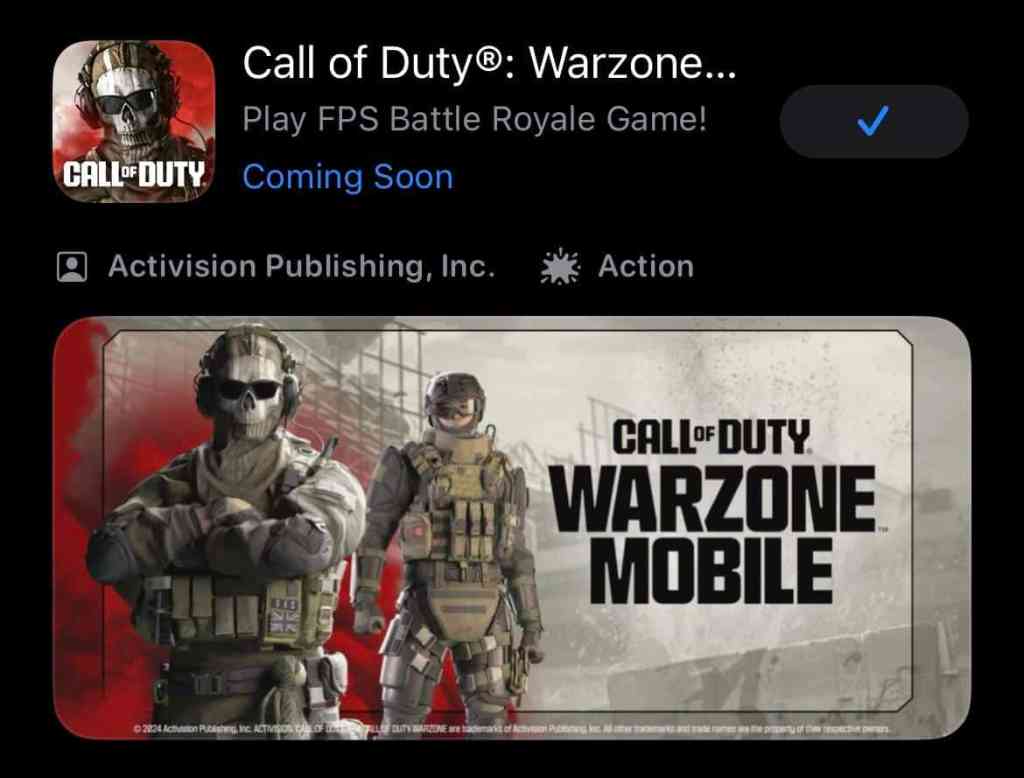
iOS USERS
Enable to download Warzone Mobile for iOS users, you’ll have to:
- Go to the Apple App Store
- Type in “Warzone Mobile” on the search bar
- Tap the “Call of Duty: Warzone Mobile” page
- Hit “Install”
It’s as simple as that!
ANDROID USERS
For those on Android, it’s just as simple as before:
- Go to your respective Android App Store
- Type in “Warzone Mobile” on the search bar
- Tap the “Call of Duty: Warzone Mobile” page
- Hit “Install”
Like we said… simple!
PRE-RELEASE PLAYERS
For those who have the pre-release version of Warzone Mobile, you’ll have to do specific things depending on your device.
iOS USERS
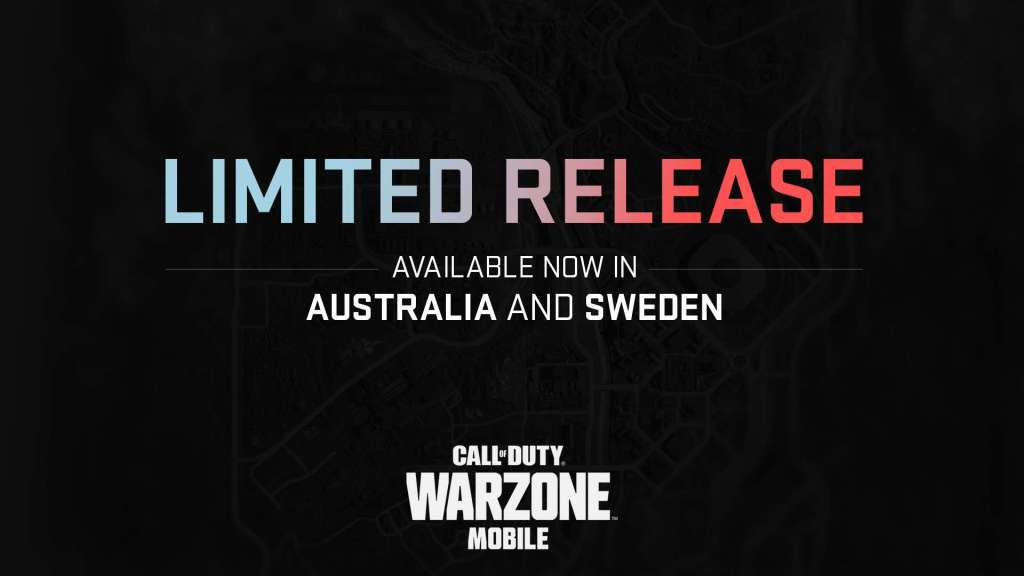
iOS users, you’ll have to install the worldwide release version of the game which is a separate download. So, it would be a good idea to uninstall the pre-release and install the worldwide version from the app store. You’ll just have to follow our previous steps.
ANDROID USERS
Android users, you have it easy. Just update your current application and it’ll automatically change to the worldwide release version!
THE END
That’s all there is to downloading Warzone Mobile! If you want to know how to link your Call of Duty account to Warzone Mobile, check out our article here!
Stay connected with any new updates on Warzone Mobile as they release on our Twitter, and our YouTube Channel!